Note: If
the Large File Transfer (the 10th System Check Type status from the top) is FAILED, this
System Check Type cannot be displayed.
Procedure
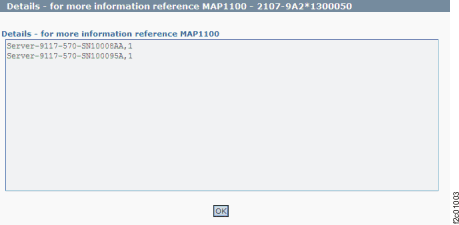
Figure 1 is an example
of the detail window for the system power off policy (in this example,
an error condition is not shown).
Figure 1. Window: Systems
power off policy details
Description: Power off policy should be set to 1.
Action: Click Storage Facility Management > storage facility > Service Utilities > View Storage Facility Power Status and display the Power Status menu options. If nothing appears incorrect, display and
repair any open serviceable events that are related to the rack power system. If there are none, contact your next level of support. The next level of support must remotely connect to repair this condition.
Next level of support only:
- /opt/hsc/bin/lssyscfg -r sys -F name,power_off_policy
  Server-9117-MMA-SN13AABF0,1
  Server-9117-MMA-SN100096A,1

Error evaluation:
power_Off_Policy should be set to 1. Anything else is an error.