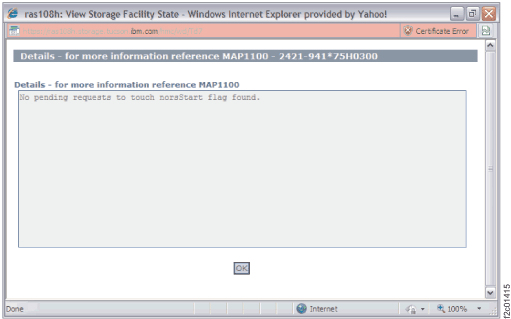
Figure 1 is an example
of the details window for the norsStart check.
Figure 1. Window:norsStart
check details
Description: Verifies if there are any pending requests
on HMC to touch norsStart flag on LPAR:
Details panel will indicate if there are any pending requests
to touch norsStart flag.
When a pending request is detected a message will be displayed
to user as follows in details panel:
There is currently a request pending to set norsStart. The LPAR <lparName>
will not IML at next reboot.
Are you sure this is intentional? Use the GUI utility to reset
(remove) norsStart flag if this flag was not intentionally set.
Action: On failed check, ensure that the request to touch norsStart on lpar reboot is
intentional. If not intentional, use the following utility to reset the request to touch norsStart
on lpar (as indicated in the details panel) reboot: