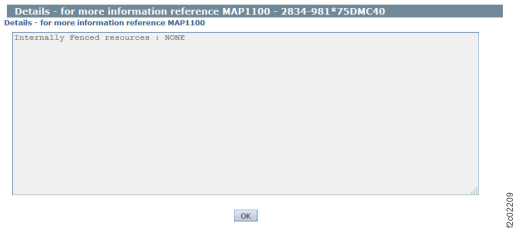
Description: Resources are "internally
fenced" as a system status to show a partial failure of a resource
or component, where a recovery action is needed. Unlike a fenced
resource, an internally fenced resource is not removed from customer
use. When a resource is internally fenced, a serviceable event should
be created to guide the repair of the condition.
Action: Display and repair the related
open serviceable events. If there are none, contact your next level
of support. Attempting to reset an internally fenced resource without
performing a repair can cause further problems or an unexpected customer
outage.