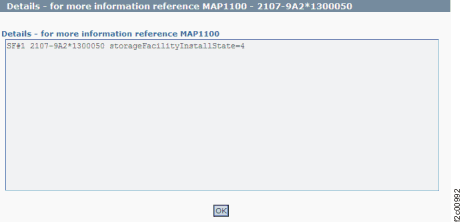
Figure 1 is
an example of the detail window for the storage facility object
(in this example, an error condition is not shown).
Figure 1. Window: Storage
facility object details
Description: The status of the storage facility install
state is not "installed."
Action: Ensure that the storage facility is
complete. If this fails, contact your next level of support. The
next level of support must remotely connect to
repair this condition.
For next level of support only: The IBM.EssStorageFacility
object for the storageFacilityInstallState must be 4 (installed).
If this value is not 4, the check fails. See Table 1 for
the storage facility states
that are possible: