Section-23, Installing the rails for the I/O enclosure (IG3/1G4)
Procedure
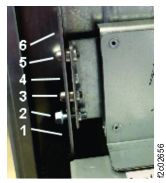
Locate the I/O enclosure rail kit (P/N 02AN329) in Box 7 of 10. See Figure 1.
If the customer rack rails have square holes, unscrew the smaller diameter locating pins
for round hole racks and replace with the larger diameter square locating pins for square hole
racks.
Install the rails directly above the CEC enclosure (XC1, upper).
Secure the front of each rail with a screw in hole . See
Figure 1.
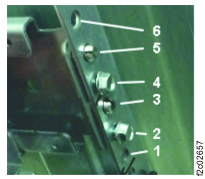
Extend the rail to the rear and secure it with screws in holes and
.
See Figure 2.
 . See
. See
 .
See
.
See